How to Use Sugargoo Findss Spreadsheet
From first row to submitted order.
Read guide ->Browse organized finds, category notes, beginner guides, shipping literacy, coupon reality checks, and agent comparison pages before you paste a link into your shopping agent account.
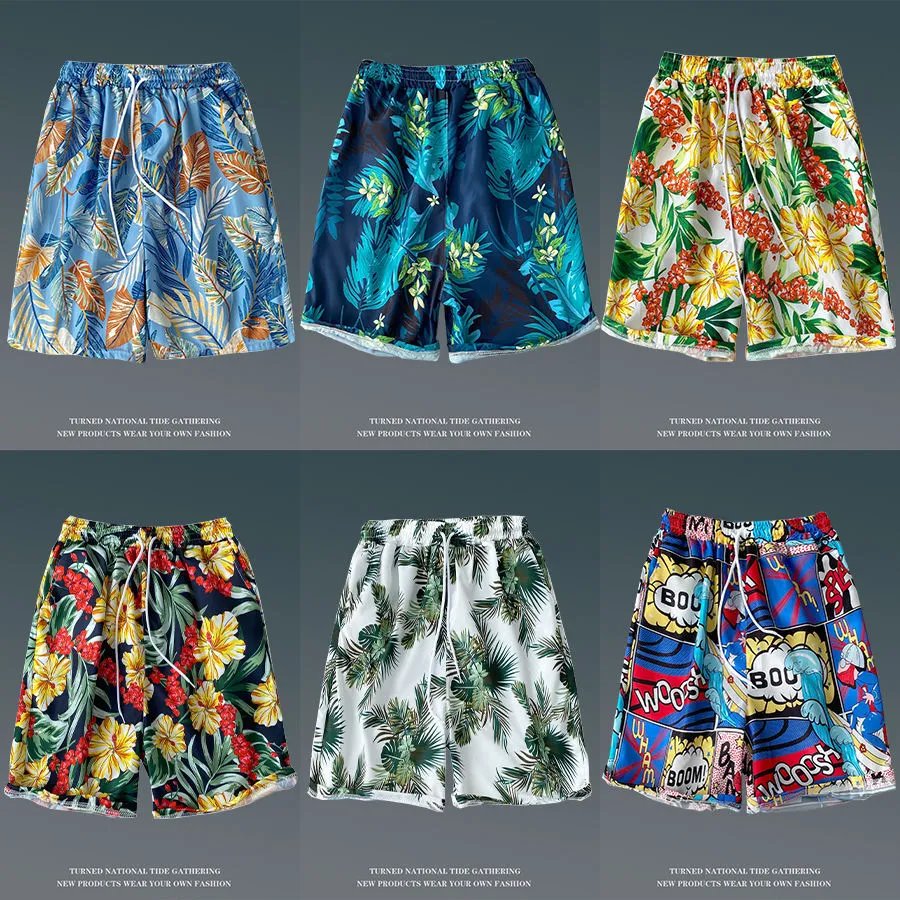
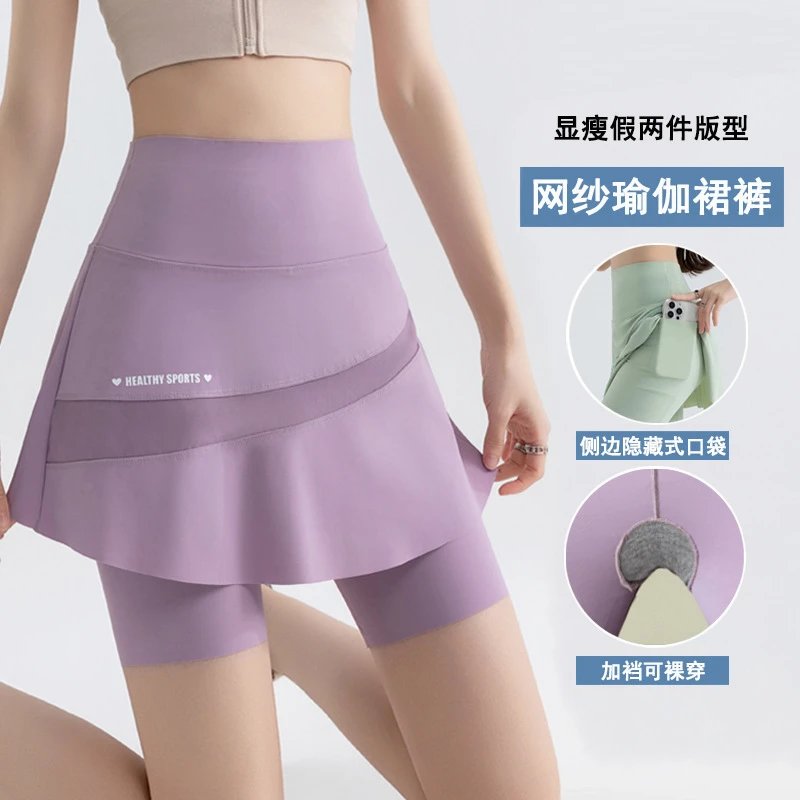
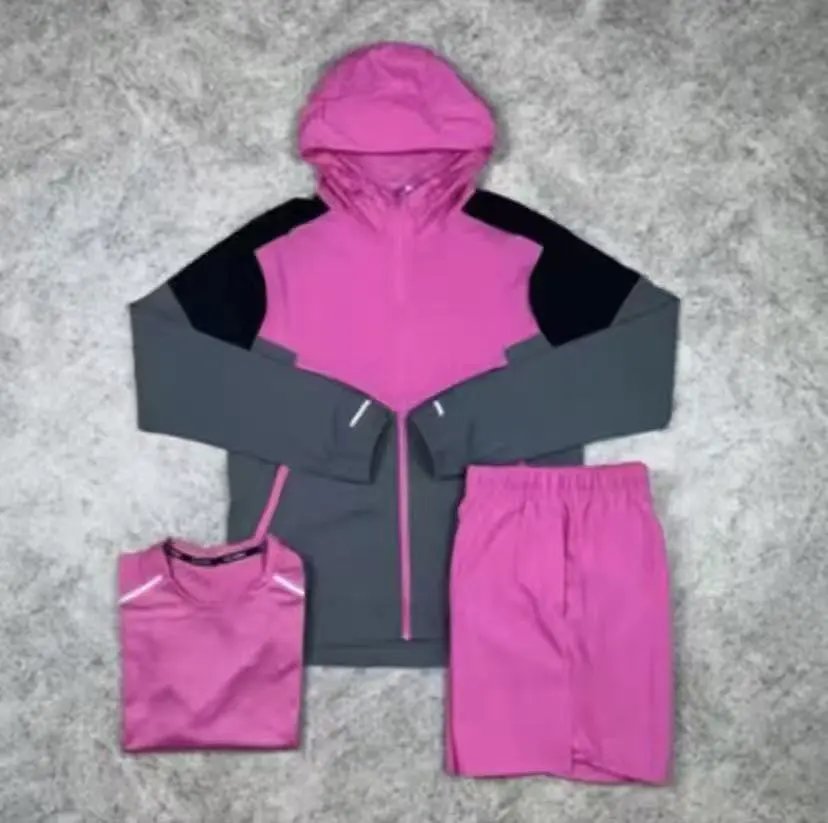

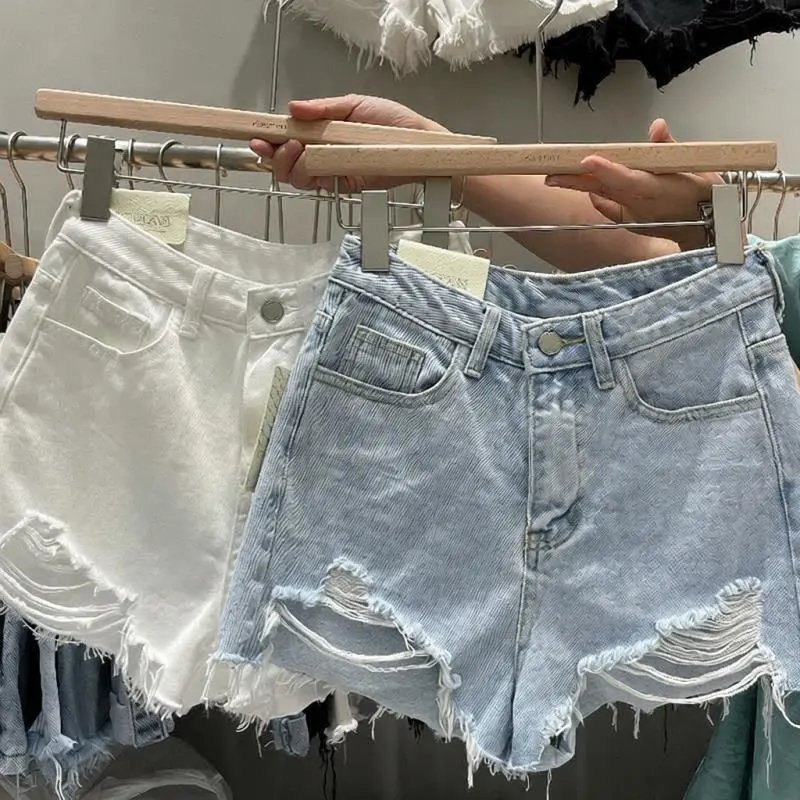
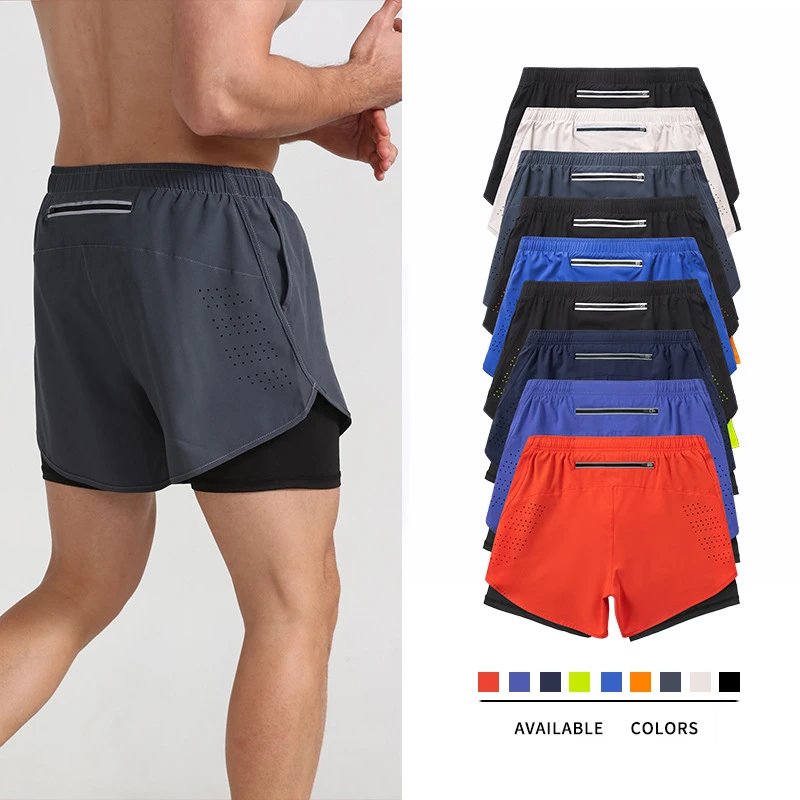
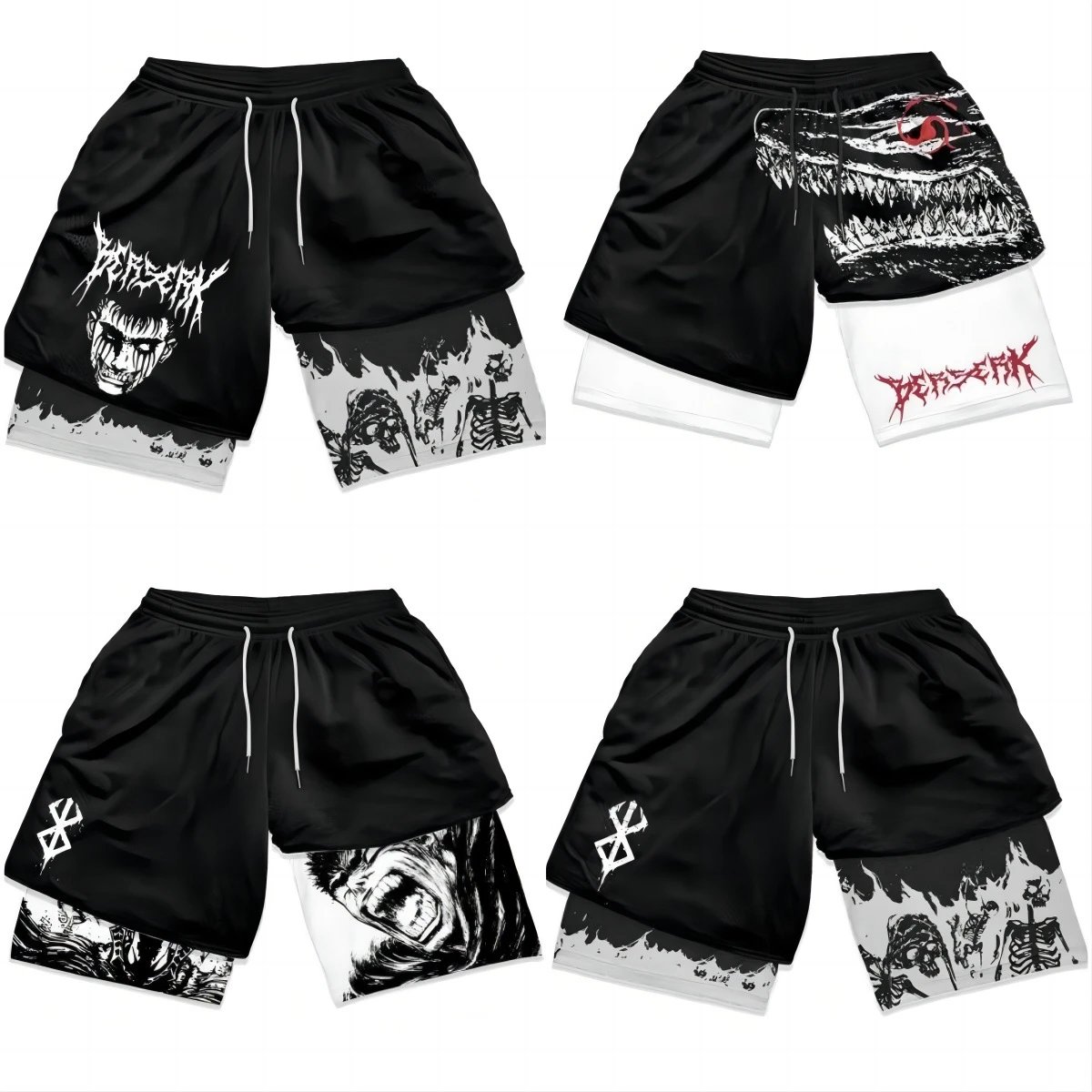

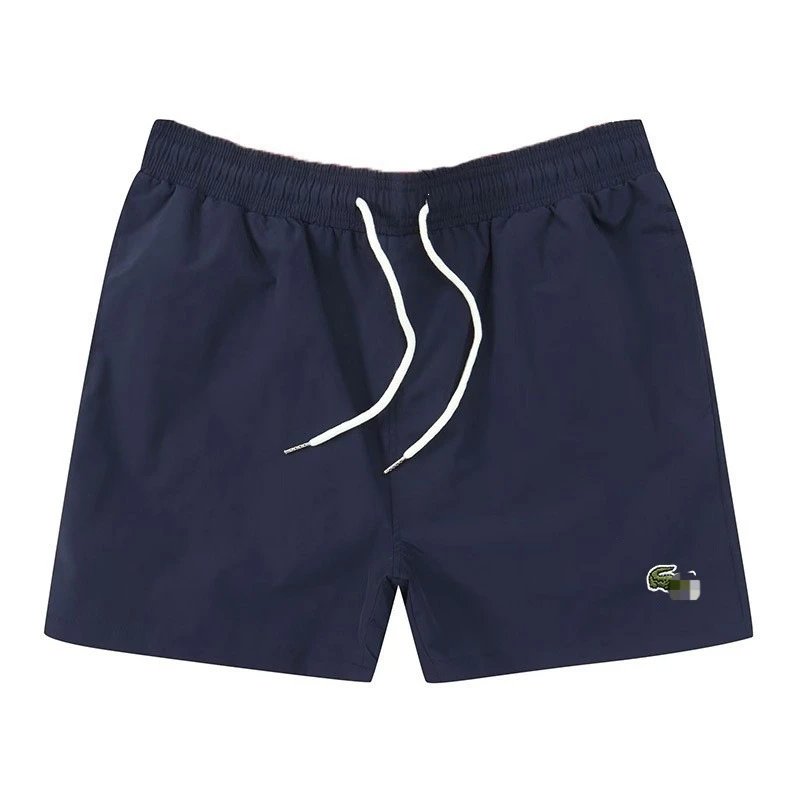
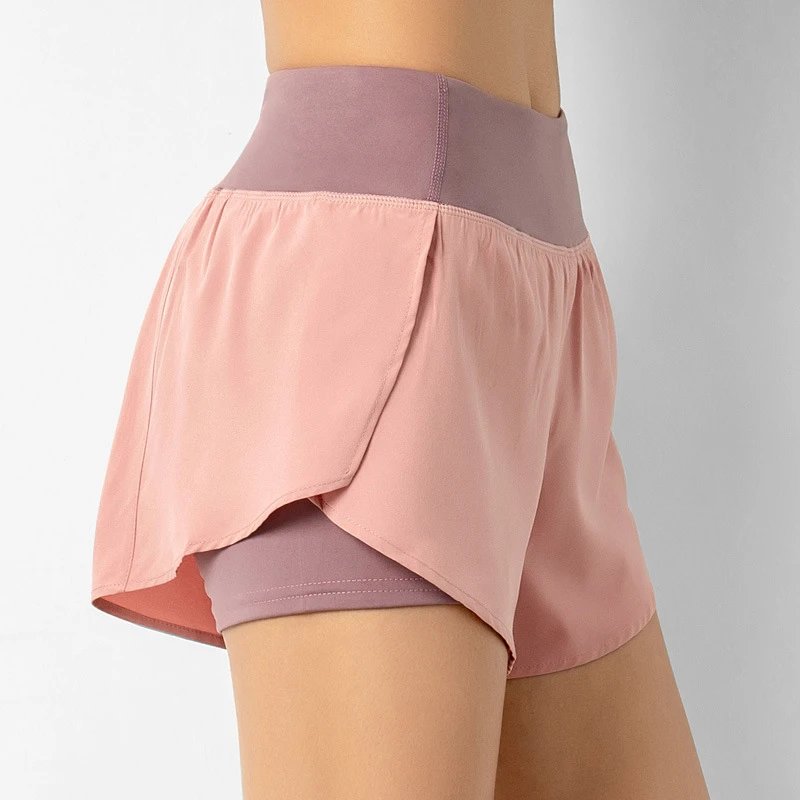
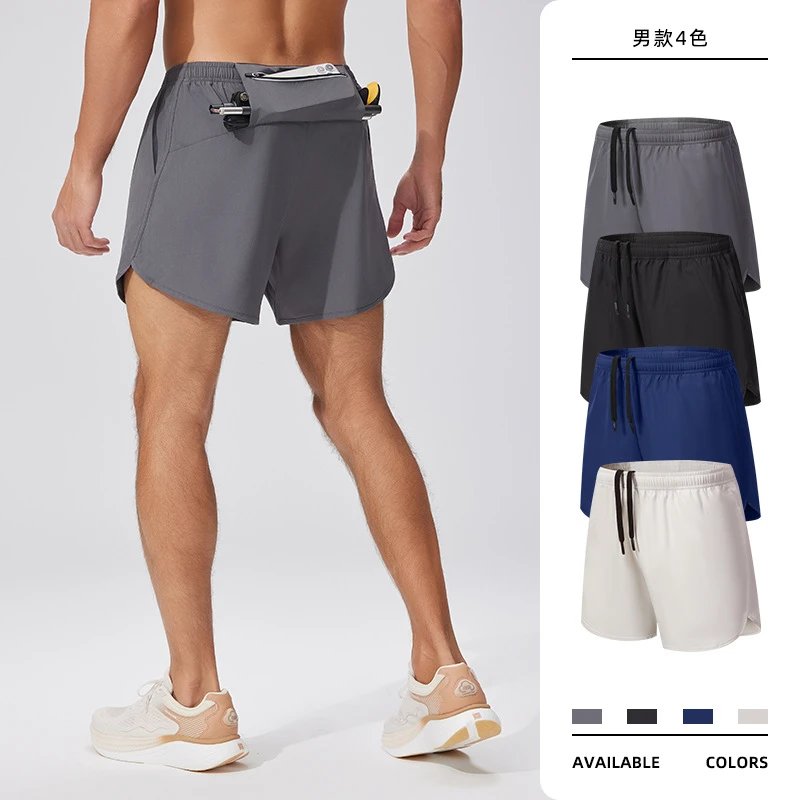

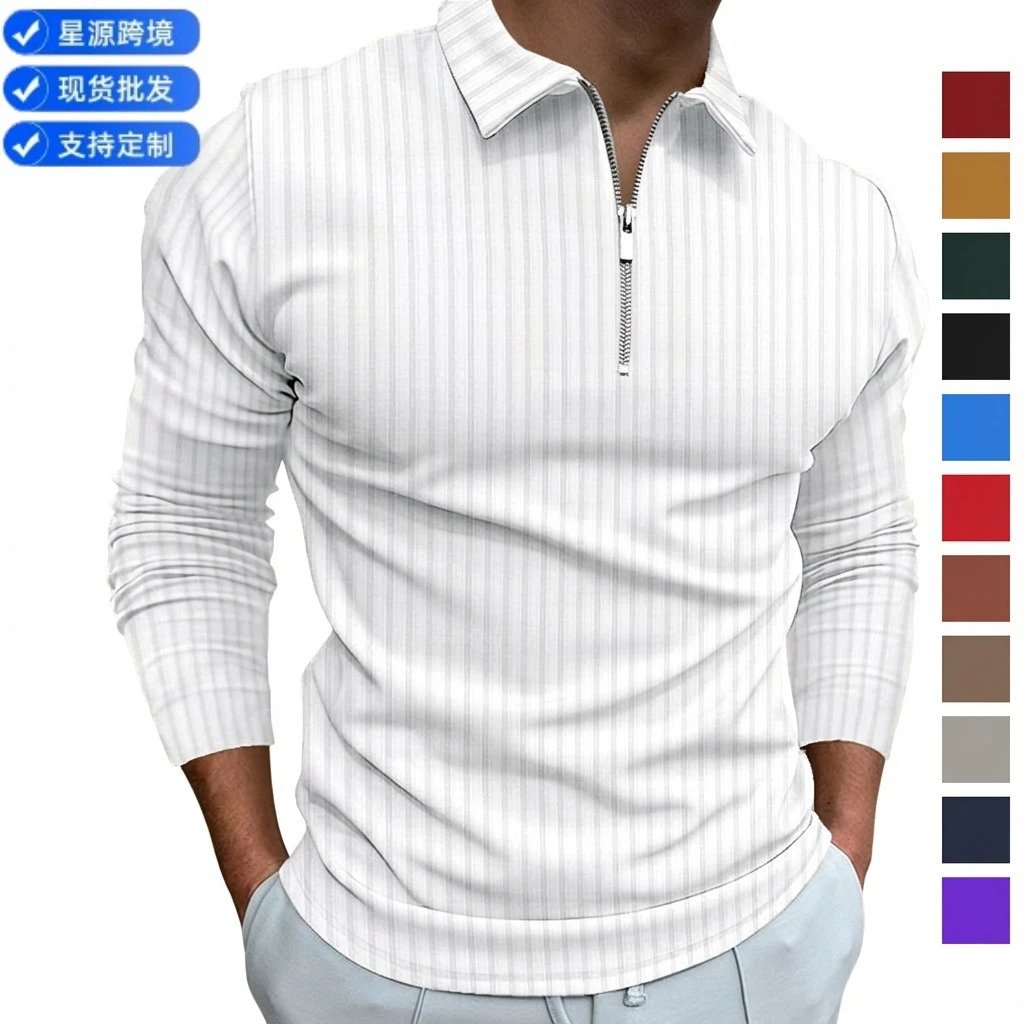

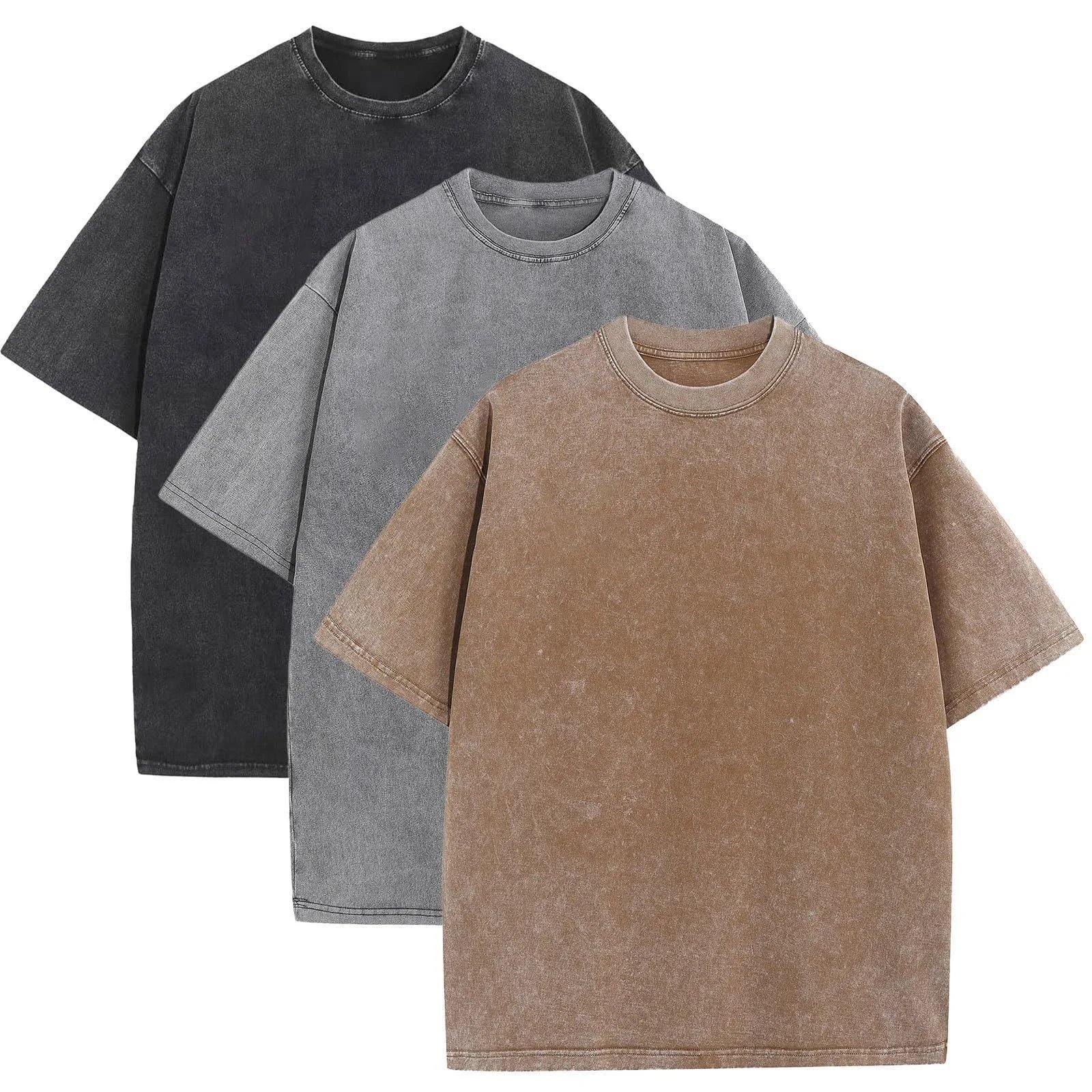

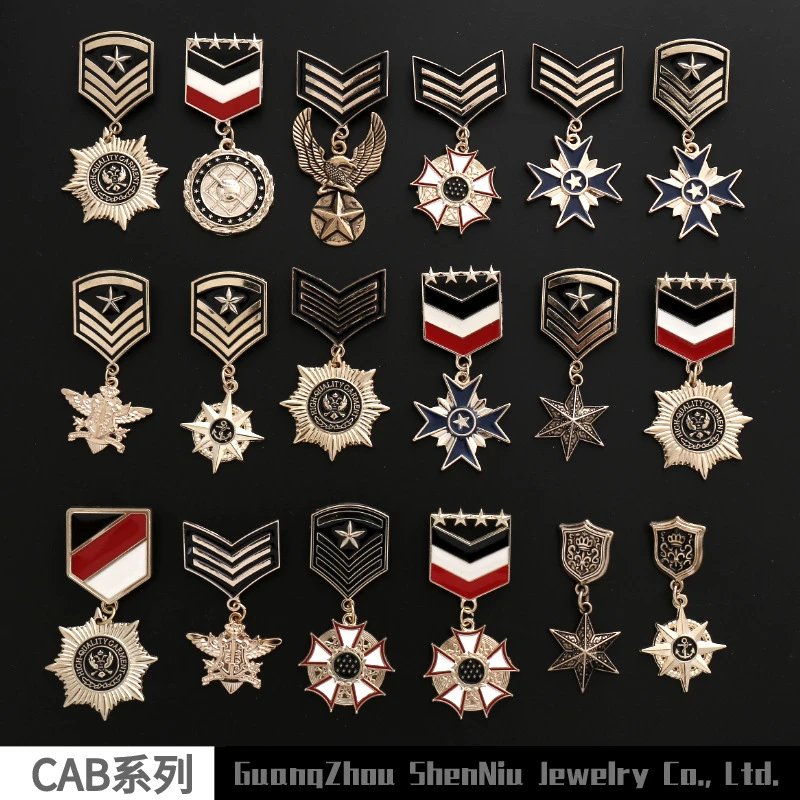
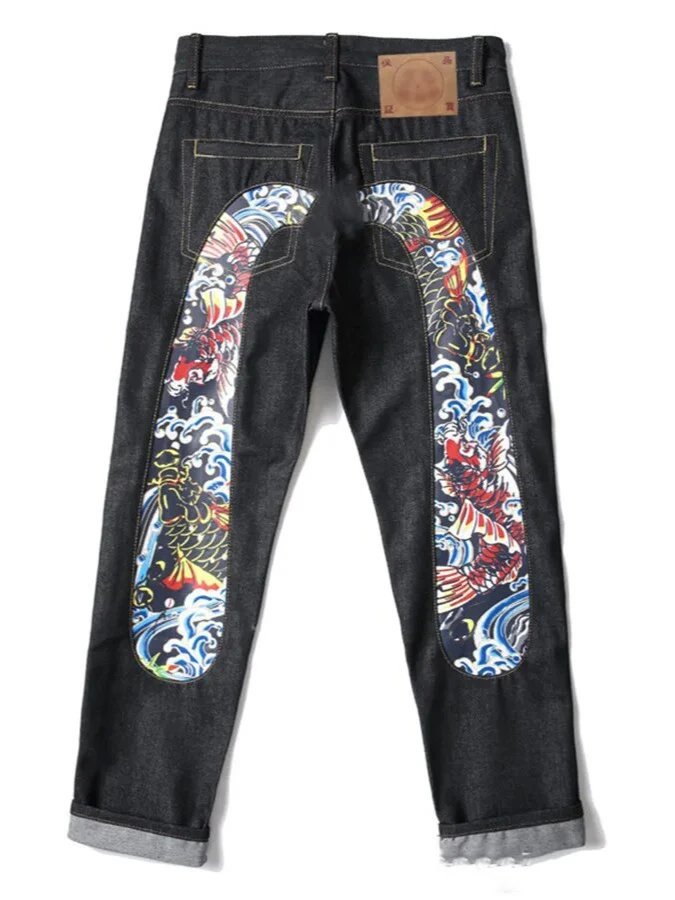
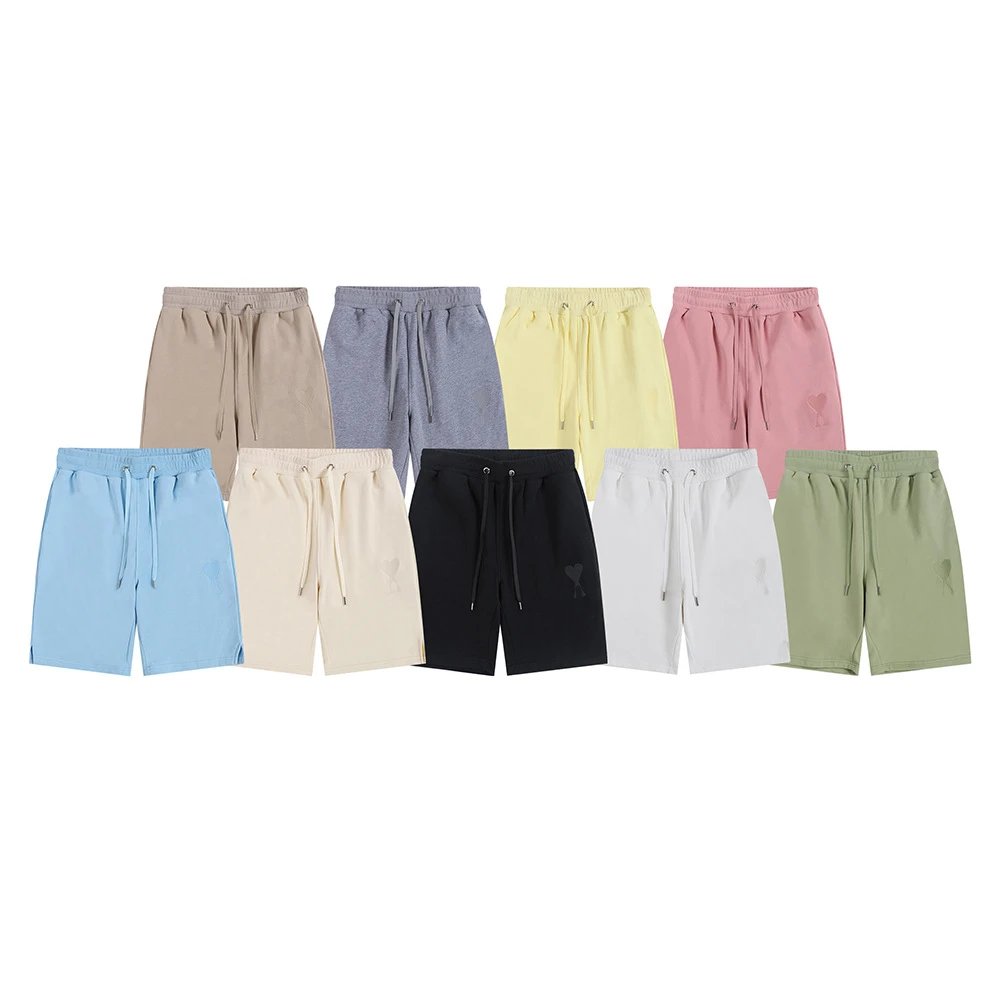
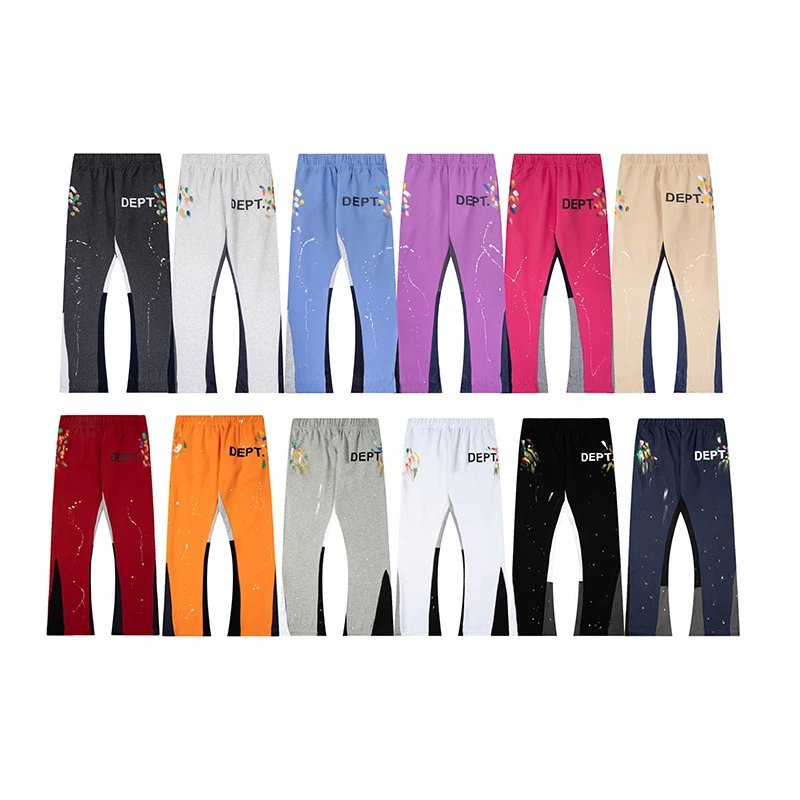
A spreadsheet hub is a curated table of product links, batches, categories, and buying notes. It helps you scan finds faster than scattered chat links, then submit the final item through your chosen shopping agent.
This site adds editorial guides around the rows, so a click becomes a better decision instead of a blind impulse buy.
Paste marketplace links into your agent account and add clean notes for size, color, and variant.
Request photos, measurements, close-ups, and checks before you approve international shipping.
Compare actual and volumetric weight, parcel protection, and route limits for your country.
Beginner steps, coupon realism, Reddit research habits, and agent comparison pages.
Filter by category or price. Read notes about sizing, batch, known flaws, and seller risk.
Open the product with the right color, size, and variant selected before you submit it.
Add explicit order notes and check current service fees on the agent website.
Compare warehouse photos to references. Ask for close-ups or measurements when needed.
Run quotes for your destination. Watch volumetric rules on jackets, shoes, and boxes.
Expect carrier handoffs and keep screenshots, packaging photos, and tracking details.
From first row to submitted order.
Read guide ->Lines, weight, consolidation, parcel protection, and realistic costs.
Read guide ->Learn which close-ups, measurements, and detail shots to request before shipping.
Read guide ->Compare workflow, QC habits, shipping options, and support expectations.
Compare agents ->Use community posts as signals, not proof. Verify every listing yourself.
Open checklist ->What to ask for before approving a pair, hoodie, bag, or jacket.
View checklist ->Finds, categories, and workflow updates for new shoppers.
View post ->Row-to-order walkthrough with simple QC checkpoints.
View post ->Save money by understanding weight, boxes, and line limits.
View post ->Start with categories that are easier to QC and ship.
View post ->What to compare before sending your first order.
View post ->Misspellings, dead links, wrong variants, and blind shipping choices.
View post ->It is a curated browsing hub for product links, categories, notes, and guide pages. It helps you research faster before using a shopping agent.
No. Sheets are research shortcuts. You still submit orders, pay fees, and choose shipping lines inside your chosen agent account.
Start with the beginner guide, then browse the spreadsheet categories and read shipping notes before placing an order.
Yes. All buttons are regular HTML links. Replace section anchors with your spreadsheet, Telegram, WhatsApp, Discord, or affiliate links when ready.